How to activate a GIANTS key for Farming Simulator
Farming Simulator keys from GIANTS Software are used on GIANTS' own download page. Here are the steps.
By Magnus1 min read
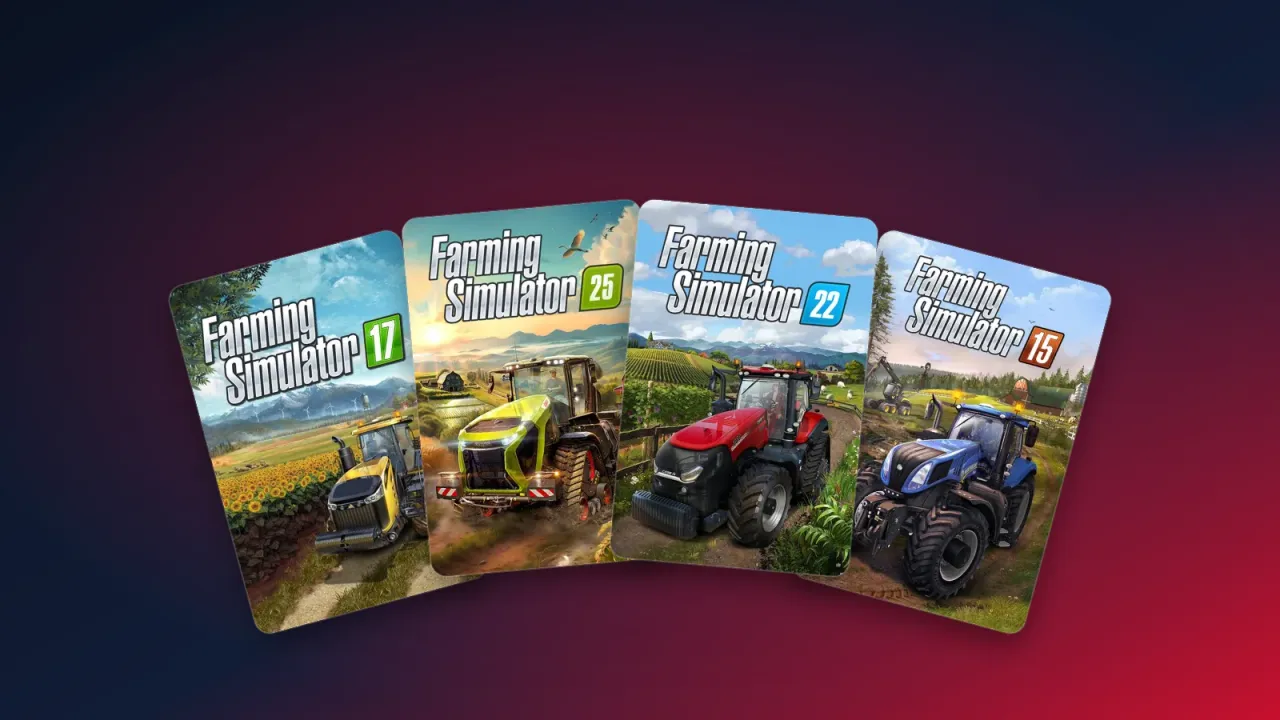
If your order says GIANTS Software as the platform, the key is for the version of Farming Simulator that GIANTS distributes itself. It isn't activated on Steam. You use it on the GIANTS download page and install the game from there.
How to do it
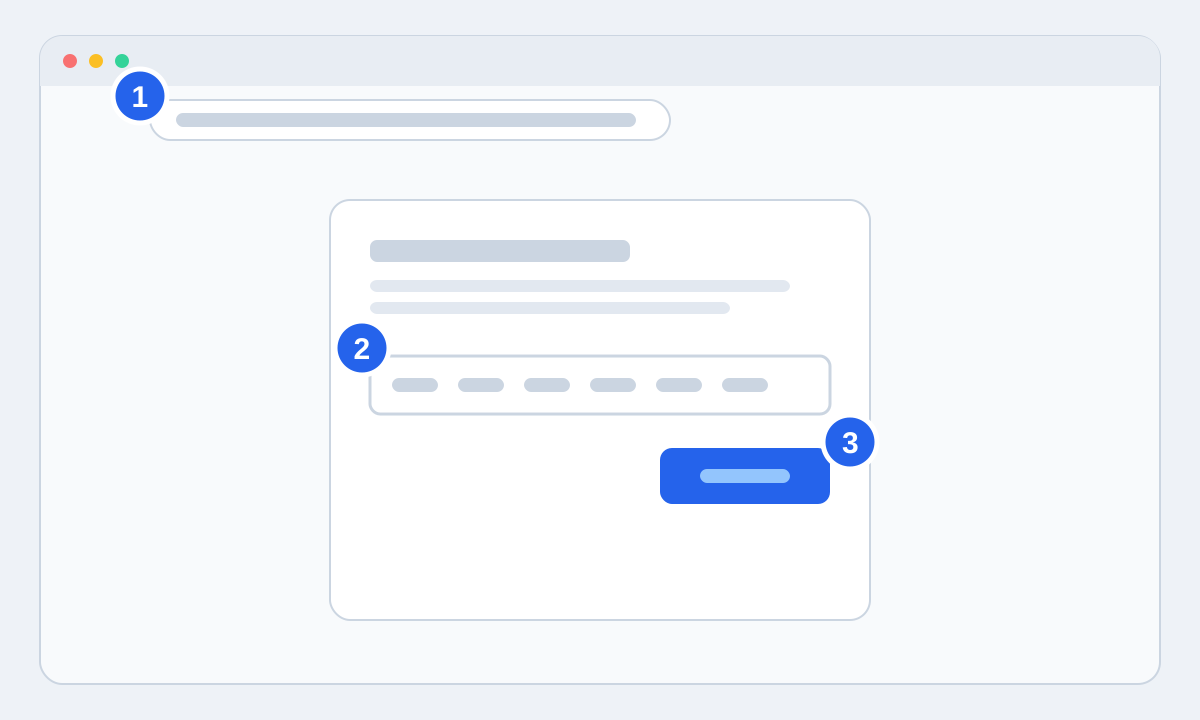
- 1Go to eshop.giants-software.com/downloads.php in your browser.
- 2Paste the key from your order page into the Product Key field.
- 3Press Download and save the installer.
- 4Run the installer. Keep the key handy, as the game may ask for it again the first time you start it.
Steam or GIANTS?
A GIANTS key doesn't work on Steam, and a Steam key doesn't work with GIANTS. Check the platform on your order page before you activate. If you want the game in your Steam library, buy the Steam version.