How to redeem a Battle.net code
Blizzard games are activated on your Battle.net account. Here's how to redeem the code in the app or in your browser.
By Magnus1 min read
Diablo and other Blizzard games are redeemed on your Battle.net account. The code works once, and the game stays on the account you're signed in with.
In the Battle.net app
- 1Open the Battle.net app on your PC and sign in.
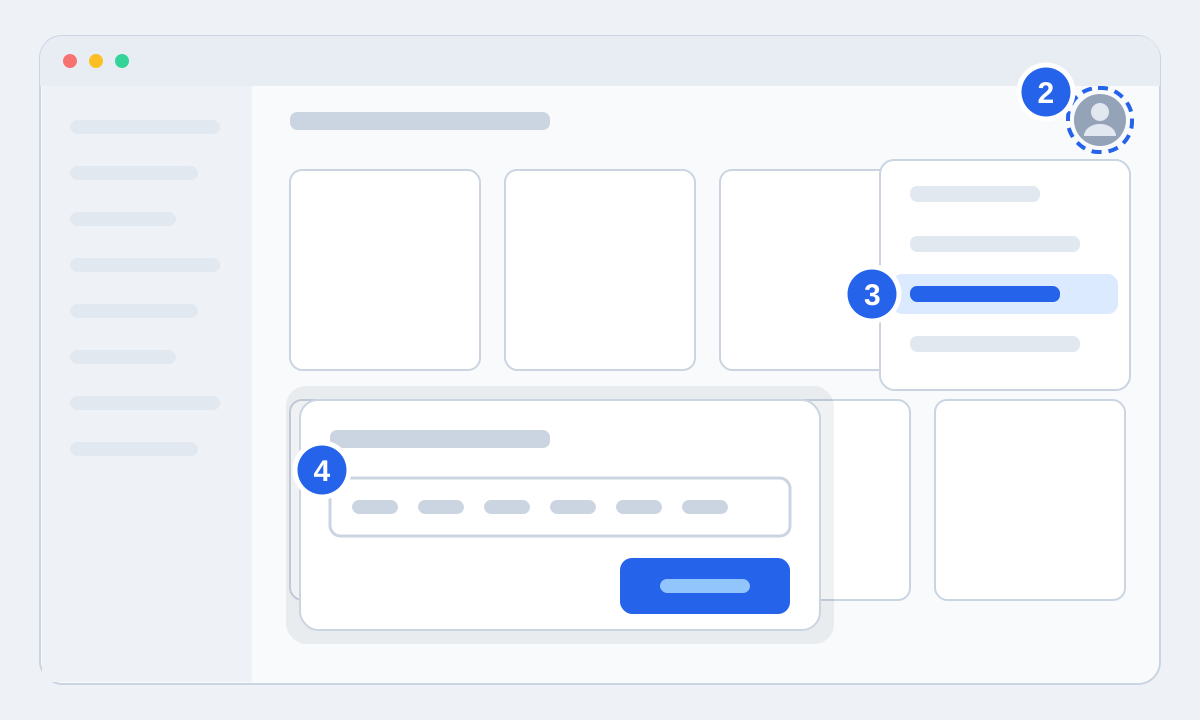
- 2Click the profile icon in the top right.
- 3Choose Redeem Code.
- 4Paste the code from your order page and press Redeem. The game is added, and you install it from the game's page in the app.
In your browser
Sign in to your account page on battle.net and open the account overview. You'll find the Redeem a Code box there. Paste the code and press Redeem Code. The game is ready the next time you open the app.
Region
A Battle.net account belongs to a region, and codes can be locked to one. The product page shows where the code can be activated. If your account was created in Europe, you need a European code.