How to redeem a Nintendo eShop code
A download code for Switch or Switch 2 is 16 characters and is redeemed in the eShop. The game starts downloading straight away.
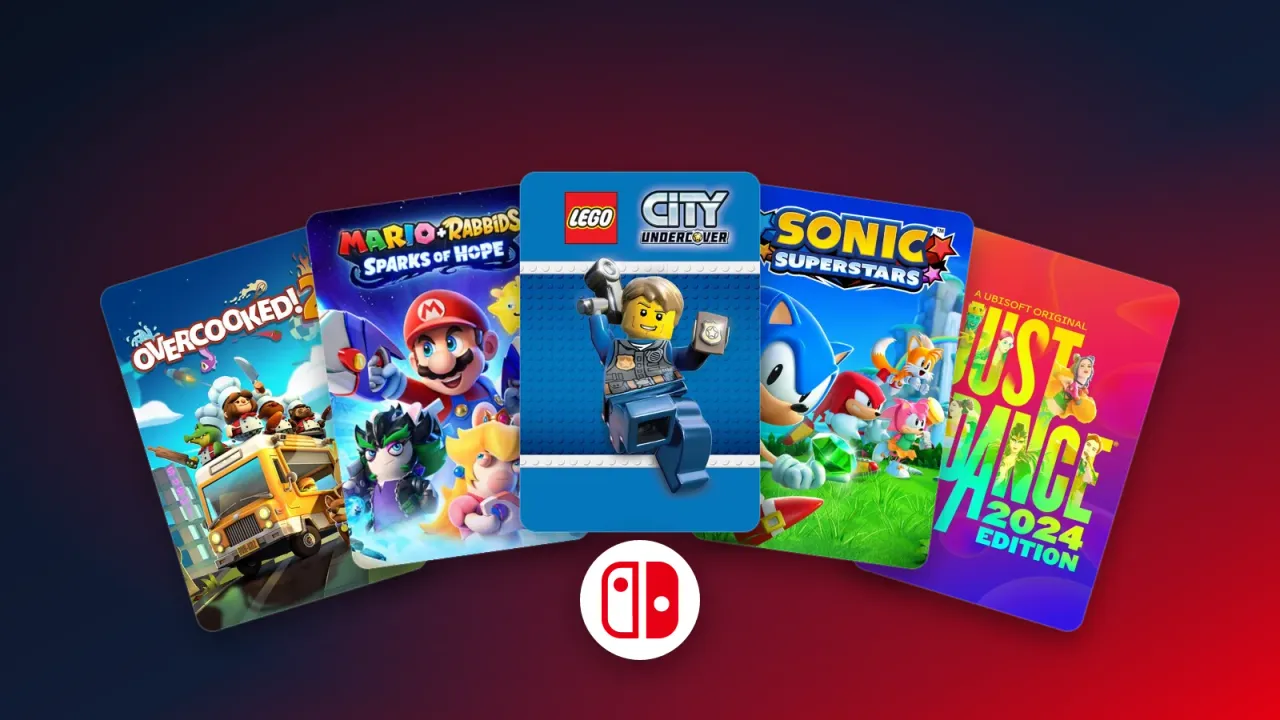
Nintendo codes are 16 characters long and are redeemed in the Nintendo eShop on your console. Once the code is accepted, the game starts downloading right away.
How to do it
- 1Make sure the console is connected to the internet.
- 2Select Nintendo eShop on the HOME Menu.
- 3Choose the user the game should belong to, and enter your password or PIN if asked.
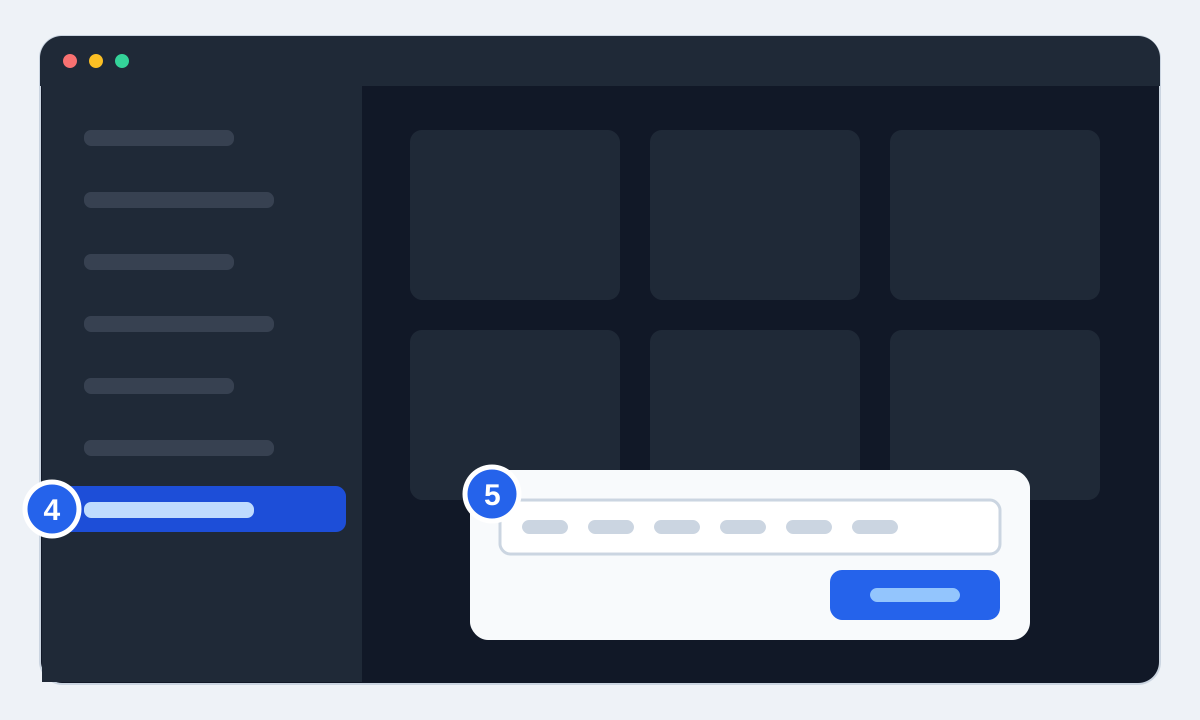
- 4Select "Redeem Code" (called "Enter Code" on some system versions) in the menu on the left.
- 5Enter the 16 characters and press OK. The game icon appears on the HOME Menu with a download bar.
Why the keyboard has no O, I or Z
Nintendo never uses the letters O, I or Z in codes, and no hyphens either, so the on-screen keyboard disables them. If something looks like an O, it's a zero. If it looks like an I, it's a one.
Switch or Switch 2?
Codes for Switch 2 games only work on a Switch 2. Try one on an original Switch and you'll get a message saying the content is for Switch 2. Most Switch games do play on Switch 2, though, so a Switch code works fine there. The product page shows which console a code is for.
Region
A Nintendo account registered in Norway belongs to the European eShop region, so European codes fit. The region is shown on the product page. If your account was created with another country, such as the US, the code may be rejected. You can see your account's country in the settings at accounts.nintendo.com.